
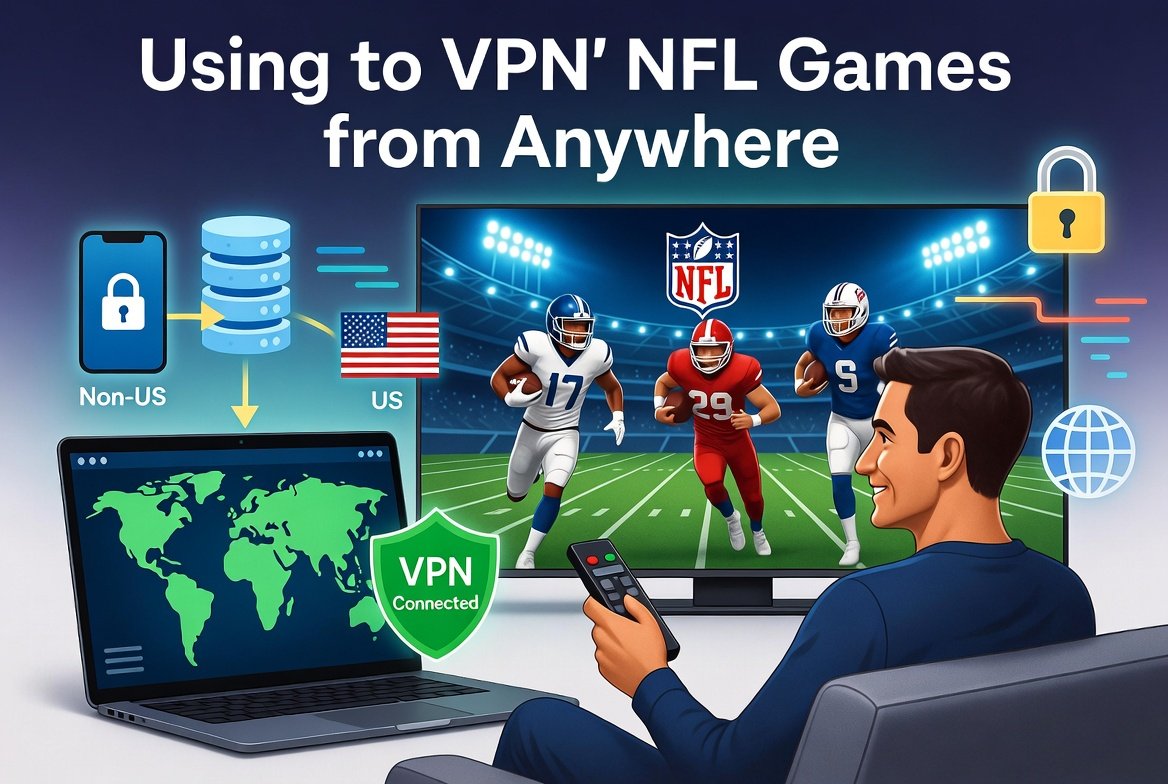
Whether you are abroad and missing your team, stuck in a local blackout zone, or just trying to access NFL Game Pass at a better price, a VPN to watch NFL games is a simple and effective solution. In this guide we explain exactly how it works, which VPNs are best for NFL streaming, and how to get set up in minutes.
Why You Might Need a VPN for NFL
- Local blackout restrictions. NFL games are often blacked out in the home team’s market on streaming platforms
- Living or travelling abroad. NFL Game Pass and other services are geo-restricted by country
- Cheaper NFL Game Pass pricing. Prices vary significantly by region
- Accessing out-of-market games. Some games are only available on specific regional broadcasters
- Bypassing ISP throttling on streaming services during peak hours
How a VPN Works for NFL Streaming
A VPN routes your internet traffic through a server in another country, replacing your real IP address with one from that location. Streaming platforms and the NFL app see the VPN server’s location rather than your actual one, giving you access to content available in that region.
For example, connecting to a US server gives you access to US-based streaming services. Connecting to a UK server gives you access to BBC iPlayer or Sky Sports NFL coverage. The process takes under a minute once you have a VPN installed.
Best VPNs for Watching NFL Games
| VPN | Works with NFL Streams | US Servers | Speed | Price/month |
|---|---|---|---|---|
| NordVPN | Yes | 1,900+ | Excellent | ~£3–5 |
| ExpressVPN | Yes | 25+ cities | Excellent | ~£7–9 |
| Surfshark | Yes | 600+ | Very Good | ~£2–4 |
| ProtonVPN | Yes | 100+ | Very Good | ~£4–8 |
| CyberGhost | Yes | 1,300+ | Good | ~£2–3 |
NordVPN is the most reliable choice for NFL streaming in our experience. It unblocks major US platforms consistently, has fast speeds suitable for HD and 4K streaming, and works on all devices.
Where Can You Watch NFL Games with a VPN
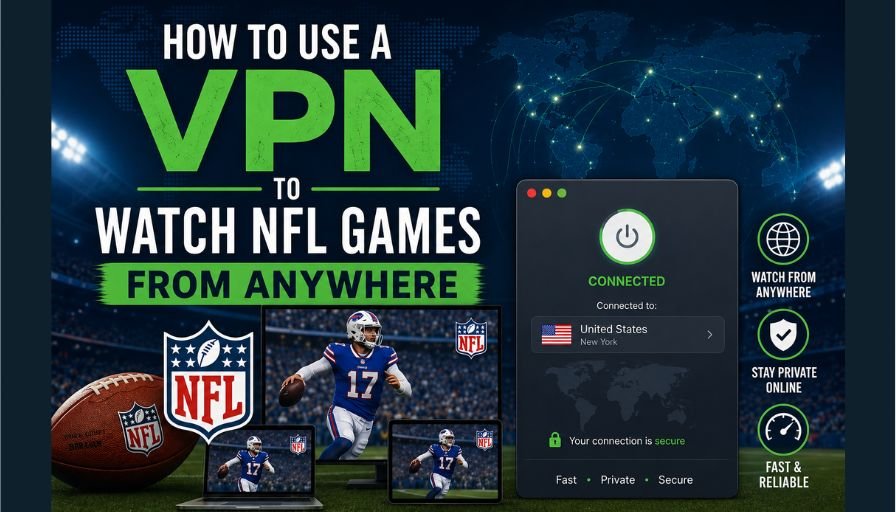
NFL+ (United States)
NFL+ is the league’s official streaming service in the US. It carries live local and primetime games, all playoff games, and the Super Bowl. Connect to a US server, sign up for NFL+, and you can watch from anywhere in the world.
DAZN (Canada, Germany, Austria, Japan)
DAZN broadcasts all NFL games in several countries. A Canadian DAZN subscription offers every single game of the season. Connect to a Canadian VPN server to access it. Pricing is considerably cheaper than NFL Game Pass in many regions.
Sky Sports (United Kingdom)
Sky Sports NFL shows a strong selection of games each week including primetime matchups. Connect to a UK server and use a Now TV or Sky Sports day pass to catch specific games without a full subscription.
BBC iPlayer (United Kingdom, Free)
The BBC broadcasts selected NFL games for free, including Super Bowl coverage. Connect to a UK server, create a free BBC account, and watch at no cost.
NFL Game Pass International
Available outside the US, NFL Game Pass International offers full replays of every game and live access in some regions. Pricing and content availability varies by country, so using a VPN to access a cheaper region can make a noticeable difference.
Step-by-Step: Watch NFL with a VPN
- Sign up for a VPN service. NordVPN or Surfshark are good starting points
- Download and install the VPN app on your device
- Open the app and connect to a server in your target country, for example the US for NFL+ or Canada for DAZN
- Open your streaming platform of choice in a browser or app
- Create an account if needed, or log in to your existing one
- Find the NFL game and start watching
Devices You Can Use
- Smart TV: Install the VPN app directly if supported, or use a travel router with VPN to cover all devices at once
- Fire Stick or Roku: Sideload the VPN app or use a router-level VPN
- iPhone or Android: Install the VPN app from the App Store or Google Play
- Laptop or PC: Use the VPN desktop app, the easiest option
- PlayStation or Xbox: Use a router-level VPN since consoles do not support VPN apps natively
Tips for the Best Streaming Experience
- Use a WireGuard-based VPN for the fastest speeds and lowest latency
- Connect to a VPN server that is geographically close to the streaming server for better performance
- If one US server is slow, try switching to another city
- Close other bandwidth-heavy apps while streaming
- Use a wired connection rather than Wi-Fi if possible for more stable playback
Frequently Asked Questions
Can I watch NFL games for free with a VPN?
Yes, in some cases. BBC iPlayer broadcasts selected NFL games including the Super Bowl for free in the UK. Connect to a UK VPN server and create a free BBC account to access this. Some games are also available free on YouTube TV trials or Peacock free tier with a US server.
Will the NFL app detect my VPN?
Some streaming services actively block known VPN IP addresses. This is why using a reputable paid VPN like NordVPN or ExpressVPN matters. These providers regularly refresh their server IPs to stay ahead of blocks. Free VPNs are almost always detected and blocked.
Is it legal to use a VPN to watch NFL games?
Using a VPN is legal in most countries. However, accessing a streaming service from a region it is not licensed for may breach that service’s terms of use. This is a civil matter between you and the platform, not a criminal issue in most jurisdictions.
Can I watch the Super Bowl with a VPN?
Yes. The Super Bowl is available on NFL+, BBC iPlayer (UK, free), DAZN, and various other platforms depending on your VPN server location. BBC iPlayer has historically offered free live Super Bowl coverage, making a UK server particularly useful.
What if my VPN is slow during a game?
Switch to a different server in the same country. If speed is still an issue, check that WireGuard is selected as your protocol in the VPN settings, as it is significantly faster than OpenVPN for streaming.