
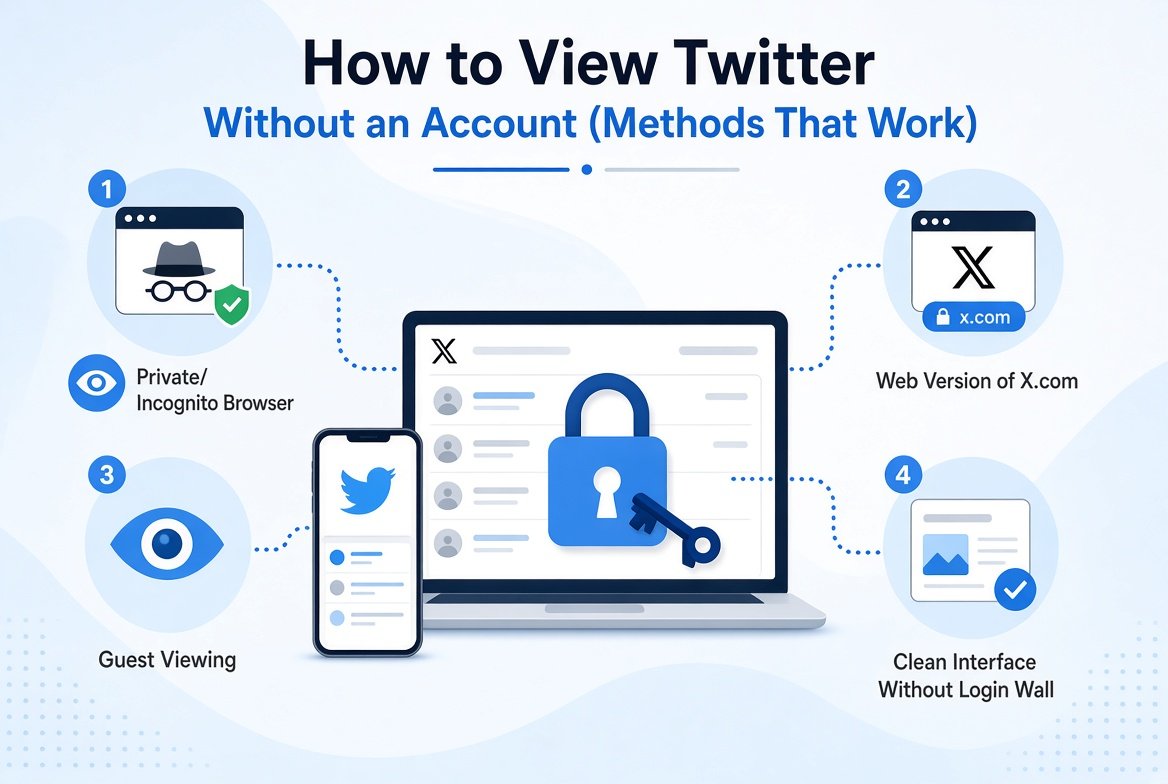
Since X (formerly Twitter) tightened its login walls in 2023, browsing public profiles and tweets without an account has become harder but not impossible. Millions of people search for ways to view Twitter without an account every month, whether for research, privacy, or simply not wanting to create yet another social media login.
This guide covers every method that actually works in 2026, including free third-party viewers, browser tricks, and search engine workarounds.
Why People Want to Browse Twitter Without Logging In
- Privacy. No account means no tracking, no algorithmic profiling, and no data tied to your identity
- Research and journalism. Monitoring public accounts, trending topics, or hashtags without your presence being logged
- Competitor analysis. Checking what others in your niche are posting without following or interacting
- Casual curiosity. Looking up a public figure or breaking news without committing to an account
- Avoiding the X app. Many users prefer a cleaner, ad-free way to read public content
What You Can and Cannot See Without an Account
| Content Type | Viewable Without Account |
|---|---|
| Public profile bios and stats | Yes |
| Public tweets and replies | Yes (with some limits) |
| Public photos and videos | Yes |
| Trending topics and hashtags | Yes |
| Private or protected accounts | No |
| Direct messages | No |
| Full follower or following lists | Limited |
| Twitter Spaces (listening) | Limited |
No tool, free or paid, can show you protected account tweets. Any site claiming otherwise is a scam or will try to harvest your credentials.
Method 1: Use a Twitter Web Viewer Tool
The simplest and most reliable method is using a dedicated Twitter viewer tool. These are third-party websites that let you browse public Twitter content without logging in.
Sotwe
Sotwe is a free web-based Twitter viewer that lets you browse any public profile, check recent tweets, track trending topics, and download media without creating an account. Just visit the site, enter a username, and view the profile instantly. No login, no tracking, no signup required. It is one of the cleanest and most straightforward viewers available. If privacy is a priority for you, pairing Sotwe with incognito mode gives an extra layer of protection, as covered in our guide on how to browse Twitter anonymously.
TwitterWebViewer
A simple browser-based tool for viewing profiles and searching tweets by keyword without an account. Useful for quick lookups when you do not want to use Sotwe or the X platform directly.
TwStalker
Organises public X content around profiles, trends, and search terms. Good for research-focused browsing rather than casual reading.
Method 2: Direct URL Access in Your Browser
X still loads public profiles partially without login when you enter a direct URL. According to X’s own help documentation, all posts made by public accounts are visible to anyone on the internet. Try:
- Type
twitter.com/usernameorx.com/usernamedirectly into your browser - Public profiles often load the first few tweets before showing a login prompt
- Opening the URL in a private or incognito window resets the session counter and often loads more content
- Each time you hit the login wall, open a fresh incognito window and try again
This method is free and requires no third-party tools, but it is limited by X’s login prompts appearing after a small number of page views.
Method 3: Use Google to Search Twitter Content
Google indexes a large portion of public tweets and profiles. You can search this indexed content without ever touching X directly.
Useful search operators:
site:x.com elonmusk— finds indexed pages from Elon Musk’s accountsite:twitter.com "your keyword"— finds indexed tweets containing a specific phrasesite:x.com from:username topic— finds tweets from a specific account about a topic
This approach works best for finding specific tweets or public statements. It does not give you a full profile timeline view but is excellent for research and fact-checking.
Method 4: RSS Feeds
Some third-party services convert public Twitter accounts into RSS feeds, letting you read new tweets through an RSS reader like Feedly without any X account. This is particularly useful for journalists and researchers who want to monitor specific accounts passively.
Search for “Twitter RSS feed generator” to find current working options, as specific tools change frequently in this space.
Method 5: Use a Throwaway Account
If anonymous viewing tools do not give you enough access for your needs, creating a throwaway X account with a temporary email address is a practical middle ground. You get full platform access while keeping your real identity separate. Services like Temp Mail or Guerrilla Mail provide disposable email addresses for this purpose.
Tips for Better Anonymous Twitter Browsing
- Always use a dedicated Twitter viewer like Sotwe for the cleanest experience with no login prompts
- Use incognito or private browsing mode for direct X.com access to reset session limits
- Combine Google search operators with a viewer tool for comprehensive research coverage
- Bookmark Sotwe for quick access whenever you need to check a public profile fast
Frequently Asked Questions
Can you view Twitter without an account in 2026?
Yes. Public profiles and tweets are still accessible without an account using third-party viewer tools like Sotwe or through direct URL access in incognito mode. X limits how much you can browse without logging in, but free tools work around this for public content.
Is it legal to view Twitter without an account?
Yes, entirely. You are only accessing publicly available information that the account holder has chosen to make visible to anyone on the internet. No hacking, bypassing, or terms of service violation is involved when viewing public content this way.
Can someone tell if you viewed their Twitter profile?
No. X does not notify users when their public profile is viewed, whether you are logged in or not. Using a viewer tool like Sotwe adds another layer of anonymity since your visit does not appear in X’s own analytics.
What is the best tool to view Twitter without an account?
Sotwe is one of the most reliable and straightforward options. It shows public profiles, recent tweets, media, and trending content without requiring any login or personal information from you.
Can I view private Twitter accounts without following them?
No. Private or protected accounts are not accessible to anyone who has not been approved as a follower. No legitimate tool can show you private tweets. Any website claiming to do so should be avoided.