
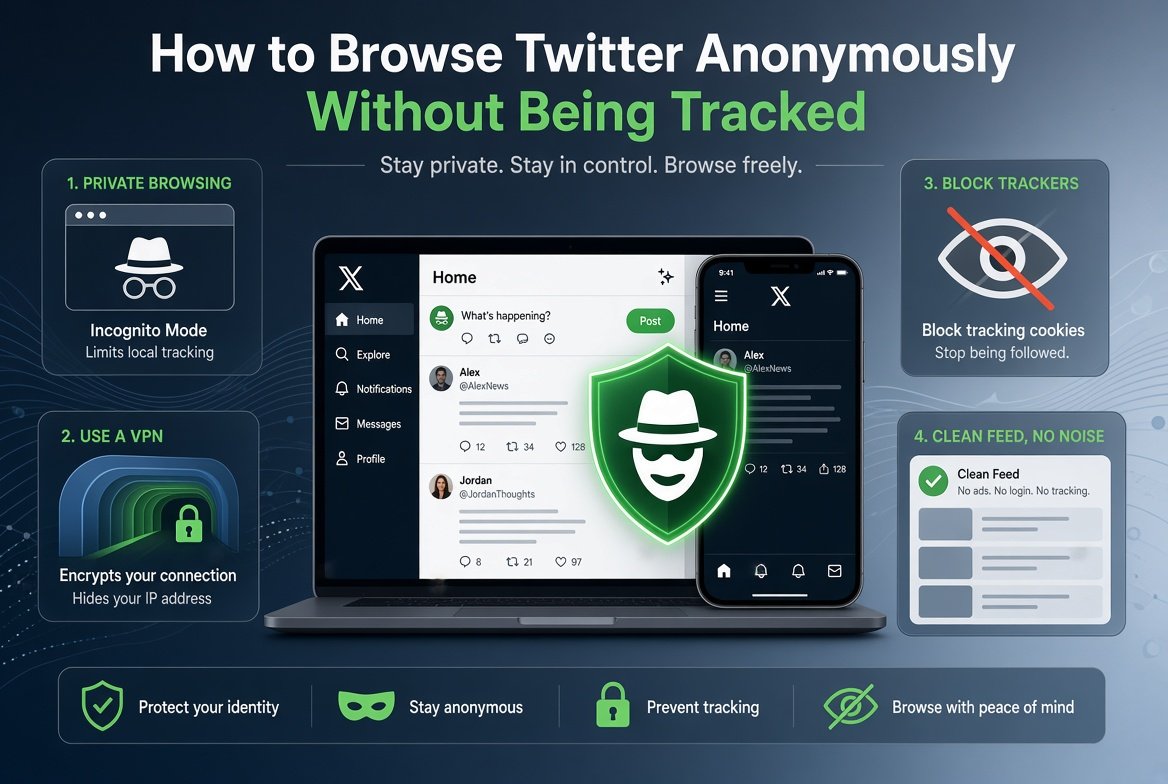
Twitter (now X) tracks almost everything you do while logged in: what you read, how long you scroll, which profiles you visit, and what you search for. That data feeds the algorithm and is shared with advertisers. If you want to browse Twitter anonymously without leaving a trace, you have several solid options in 2026.
This guide covers the most effective methods for anonymous Twitter browsing, from dedicated viewer tools to browser-level privacy settings.
What Does Twitter Track When You Are Logged In?
Understanding what X actually collects helps explain why anonymous browsing matters:
- Every profile you visit and how long you spend there
- Every tweet you read, including ones you do not engage with
- Search terms you enter within the platform
- Your device type, browser, IP address, and approximate location
- Interactions with ads, including impressions you never click
- Your follower and following activity
Even if you are not logged in, X attempts to track you via cookies and browser fingerprinting. Truly anonymous browsing requires more than just being logged out. The Electronic Frontier Foundation covers the full scope of social media tracking in detail for anyone who wants to go deeper on this topic.
Method 1: Use a Dedicated Twitter Viewer
The easiest way to browse public Twitter content anonymously is through a third-party viewer tool. These sites pull public data from X and display it in their own interface. Your visit never registers on X’s servers directly.
Sotwe
Sotwe is a free, web-based Twitter viewer that lets you browse public profiles, read tweets, track trending topics by country, and download media, all without any account or login. It acts as a transparent layer between you and X, so your browsing stays private. Enter any public username and view the profile instantly with no tracking from X’s side.
Why viewer tools are better than incognito mode alone
Incognito mode stops your browser from saving history locally, but X can still see your IP address and track your session. A viewer tool routes your request through its own servers, keeping your identity further removed from X’s tracking systems.
Method 2: Combine a Viewer with Private Browsing
For maximum anonymity when browsing Twitter:
- Open your browser in private or incognito mode
- Go to a Twitter viewer tool like Sotwe
- Browse public profiles and content through the viewer
- Close the private window when done. No cookies, no history, no local trace
This combination means X never receives your direct request, and your browser stores nothing locally after you close the session.
Method 3: Use a VPN While Browsing Twitter
A VPN replaces your IP address with one from a VPN server, preventing X from associating your browsing with your real location and identity. Combined with a viewer tool or incognito mode, this adds another layer of anonymity.
- Good for users in countries where X is blocked or monitored
- Prevents your ISP from seeing that you are accessing Twitter
- Useful if you do not want your location associated with your browsing
- Free VPN options like ProtonVPN work for basic use
Note: if you log into your X account while using a VPN, your anonymity is tied to your account, not your IP. A VPN anonymises your connection, not your identity if you choose to log in.
Method 4: Use Google to Find Twitter Content
Google indexes enormous amounts of public tweet and profile content. Searching via Google rather than X directly means your query goes to Google, not Twitter, and no X session or cookie is created.
site:x.com keywordfinds indexed public tweets about a topicsite:twitter.com "exact phrase"finds tweets containing specific wordingsite:x.com from:usernamefinds indexed tweets from a specific account
This method works best for finding specific content rather than browsing a timeline, but it is completely anonymous from X’s perspective.
Method 5: Use Nitter Instances (Where Available)
Nitter is an open-source Twitter frontend that displays public content without JavaScript, cookies, or tracking. Public Nitter instances have become less reliable since X restricted API access, but some remain active. When they work, they offer one of the cleanest anonymous browsing experiences available.
Search for “working Nitter instance 2026” to find currently active options. Availability changes frequently.
What You Cannot Do Anonymously
- Post tweets, replies, or retweets. These require an account
- Send direct messages
- View protected or private account content
- Participate in Twitter Spaces
- Follow accounts or receive timeline updates
Anonymous browsing is read-only. For public-facing content, it covers everything you need for research and monitoring purposes.
Anonymous Twitter Browsing for Specific Use Cases
Journalists and researchers
Use Sotwe combined with incognito mode to monitor public figures and breaking news without your presence being logged. Google search operators help find specific statements or archived content.
Marketers and brand analysts
Monitor competitor accounts, track hashtag performance, and research trending topics without creating an X business account or revealing your interest to competitors. If you come across video content you want to save for reference, our guide on how to download Twitter videos walks through the quickest methods available.
General users
Sotwe is the simplest option. Visit the site, enter a username, and read public content freely without any account or personal information required.
Frequently Asked Questions
Is it possible to browse Twitter completely anonymously?
For public content, yes. Using a viewer tool like Sotwe combined with incognito browsing means X does not receive your direct request or store your session data. Adding a VPN further reduces your digital footprint.
Does Twitter know if you view a profile anonymously?
If you use a third-party viewer like Sotwe, X only sees the viewer tool’s server making the request, not you personally. If you visit X directly, even logged out, X can still collect your IP and browser fingerprint unless you also use a VPN.
Can I read Twitter DMs without an account?
No. Direct messages are private and only accessible to the participants in the conversation. No tool can access them without account credentials.
Is anonymous Twitter browsing legal?
Yes. You are reading publicly available content. The account holder chose to make their tweets visible to everyone on the internet. Anonymous browsing of public content does not break any laws or Twitter’s terms of service.
What is the best tool for anonymous Twitter browsing?
Sotwe is the most reliable free option for browsing public profiles and tweets anonymously. It requires no account, no login, and displays public content cleanly without redirecting you to X’s login page.